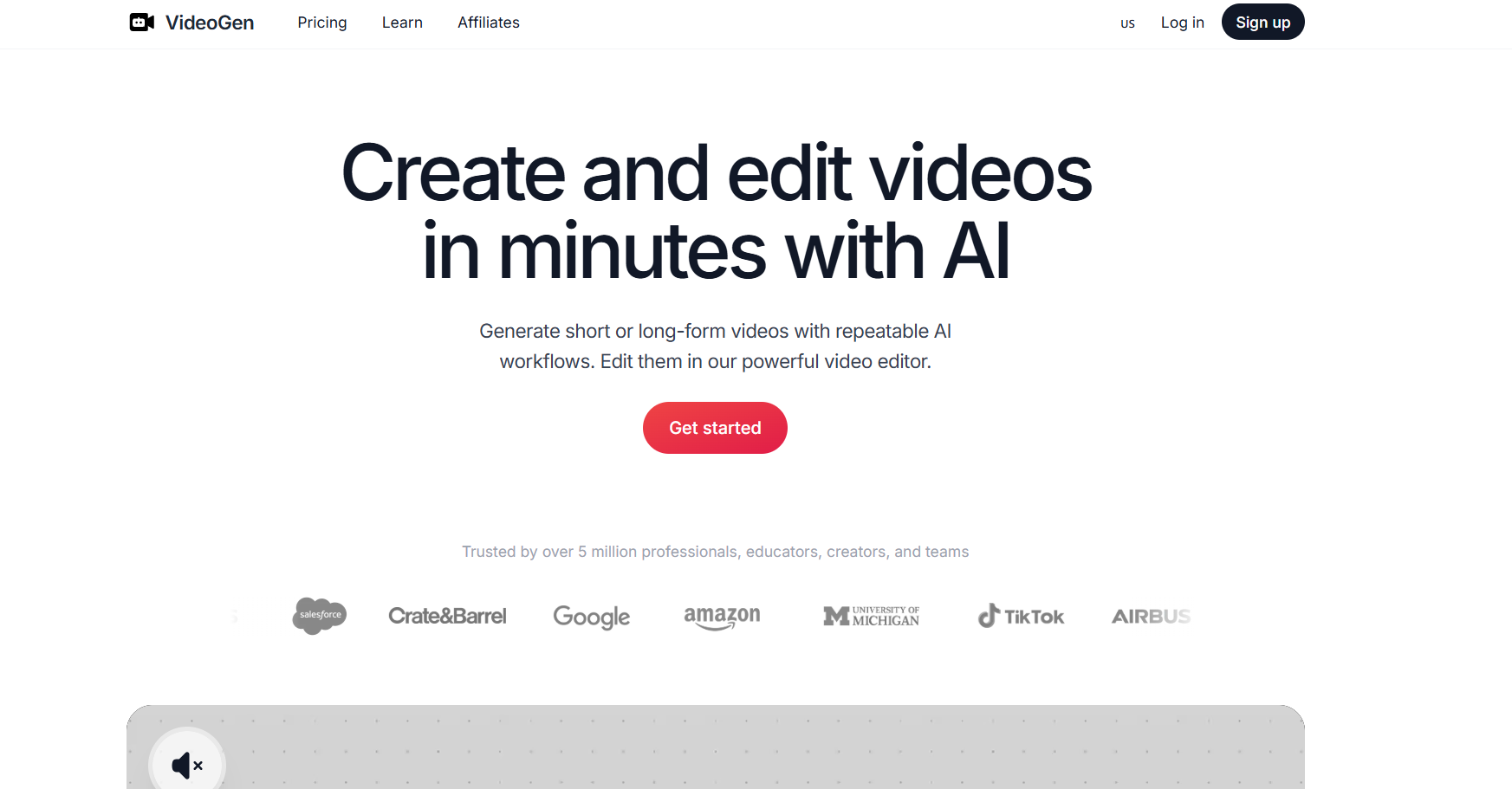
In today’s digital landscape, video has become the dominant form of content across platforms like TikTok, YouTube Shorts, and Facebook Reels. As a result, the demand for fast, cost-effective video production tools is rapidly increasing. This is where AI-powered platforms like VideoGen AI come into play.
But is VideoGen AI really as good as it claims? This article provides a comprehensive and objective review to help you understand its strengths, weaknesses, and real-world value.
1. What is VideoGen AI?
VideoGen AI is an artificial intelligence tool designed to convert text—such as scripts, blog posts, or ideas—into fully produced videos. Instead of manually filming, editing, and adding voiceovers, users simply input content, and the AI handles the rest.
The platform automates the entire video creation process, including:
- Scene generation
- Visual selection
- Voice narration
- Background music and captions
This significantly reduces the time and technical skills required to produce videos.
2. Key Features
2.1. Text-to-Video Generation
The core feature of VideoGen AI is its ability to transform written content into video format. After entering a script, the system automatically:
- Breaks content into scenes
- Matches visuals with context
- Adds AI voiceover
- Synchronizes subtitles
This makes it incredibly efficient for content production.
2.2. AI Voiceover
VideoGen includes built-in text-to-speech technology with multiple voice options. Users can customize:
- Gender (male/female)
- Speed and tone
- Language selection
While the voices are relatively natural, some may still sound slightly robotic in certain cases.
2.3. AI Media & Visual Library
The platform leverages a large stock media library combined with AI-generated visuals. This eliminates the need for filming or sourcing your own footage.
Advanced features in higher-tier plans include:
- AI avatars
- AI-generated video clips
- Custom image generation
2.4. Automated Editing & Optimization
VideoGen AI also provides smart editing capabilities such as:
- Auto-caption generation
- Multi-format export (9:16, 1:1, 16:9)
- Fast rendering, including 4K export
This makes it ideal for distributing content across multiple platforms.
2.5. Workflow & Collaboration
For teams and businesses, VideoGen supports:
- Brand kits for consistent identity
- Team collaboration
- A/B testing for video performance
3. Advantages of VideoGen AI
3.1. Extremely Fast Video Creation
One of the biggest strengths of VideoGen is speed. Users can create a full video in just minutes instead of hours or days.
This is especially valuable for:
- TikTok content
- Quick ad production
- Rapid A/B testing
3.2. Beginner-Friendly
The platform is designed for users with little to no video editing experience. Its intuitive interface and automation make it accessible to anyone.
3.3. Cost-Effective
Compared to traditional video production (which can cost hundreds of dollars per minute), VideoGen significantly reduces expenses—sometimes to under $1 per video depending on usage.
3.4. Scalable Content Production
VideoGen excels in high-volume content creation, making it ideal for:
- Content repurposing (e.g., blog → video)
- Bulk video production
- Automated marketing workflows
4. Disadvantages of VideoGen AI
Despite its benefits, VideoGen AI also has several limitations.
4.1. Inconsistent Visual Quality
Some generated videos may:
- Use irrelevant stock footage
- Repeat similar clips
- Lack visual coherence
This can result in content that feels generic or less engaging.
4.2. Limited Creative Control
Users may find it difficult to:
- Fine-tune individual scenes
- Adjust precise timing
- Craft complex storytelling
This makes it less suitable for high-end or cinematic productions.
4.3. AI Voice Limitations
Although decent, AI voiceovers may:
- Lack emotional depth
- Sound slightly robotic in certain contexts
4.4. Heavy Reliance on Stock Footage
Because the platform depends heavily on stock media:
- Videos may look similar across users
- Originality can be limited without custom uploads
4.5. Mixed User Feedback
Some users have reported:
- Output quality not meeting expectations
- Occasional technical issues
- Concerns about refund policies
5. Pricing
VideoGen AI offers several pricing tiers:
- Pro Plan: Around $12/month – suitable for individuals
- Business Plan: Around $74/month – designed for teams
- Enterprise Plan: Custom pricing
Higher-tier plans typically include:
- Advanced AI features
- Larger storage
- Faster processing speeds
6. Who Should Use VideoGen AI?
Best suited for:
- Digital marketers
- Content creators (TikTok, YouTube Shorts)
- Small businesses
- Affiliate marketers
Not ideal for:
- High-end cinematic production
- Professional TV commercials
- Complex storytelling projects
7. Is VideoGen AI Worth It?
VideoGen AI should not be seen as a full replacement for professional video editing tools. Instead, it works best as:
👉 A tool for accelerating content production
It’s highly effective for fast, scalable content but may fall short for premium-quality videos.
8. Final Verdict
VideoGen AI is a powerful AI video generator that excels in:
- Speed
- Cost efficiency
- Automation
However, it still faces limitations in:
- Visual quality
- Creativity
- Fine control
👉 Overall Rating: 7.5/10
You should use it if:
- You need fast, high-volume video production
- You focus on marketing or social media content
You should avoid it if:
- You require high-quality, professional-grade videos